“We need an app” and “we need a website” are often said about the same project. The words matter less than what people will do once they arrive, and getting that right early decides the budget, the timeline and the team you need.
§ 01The short version
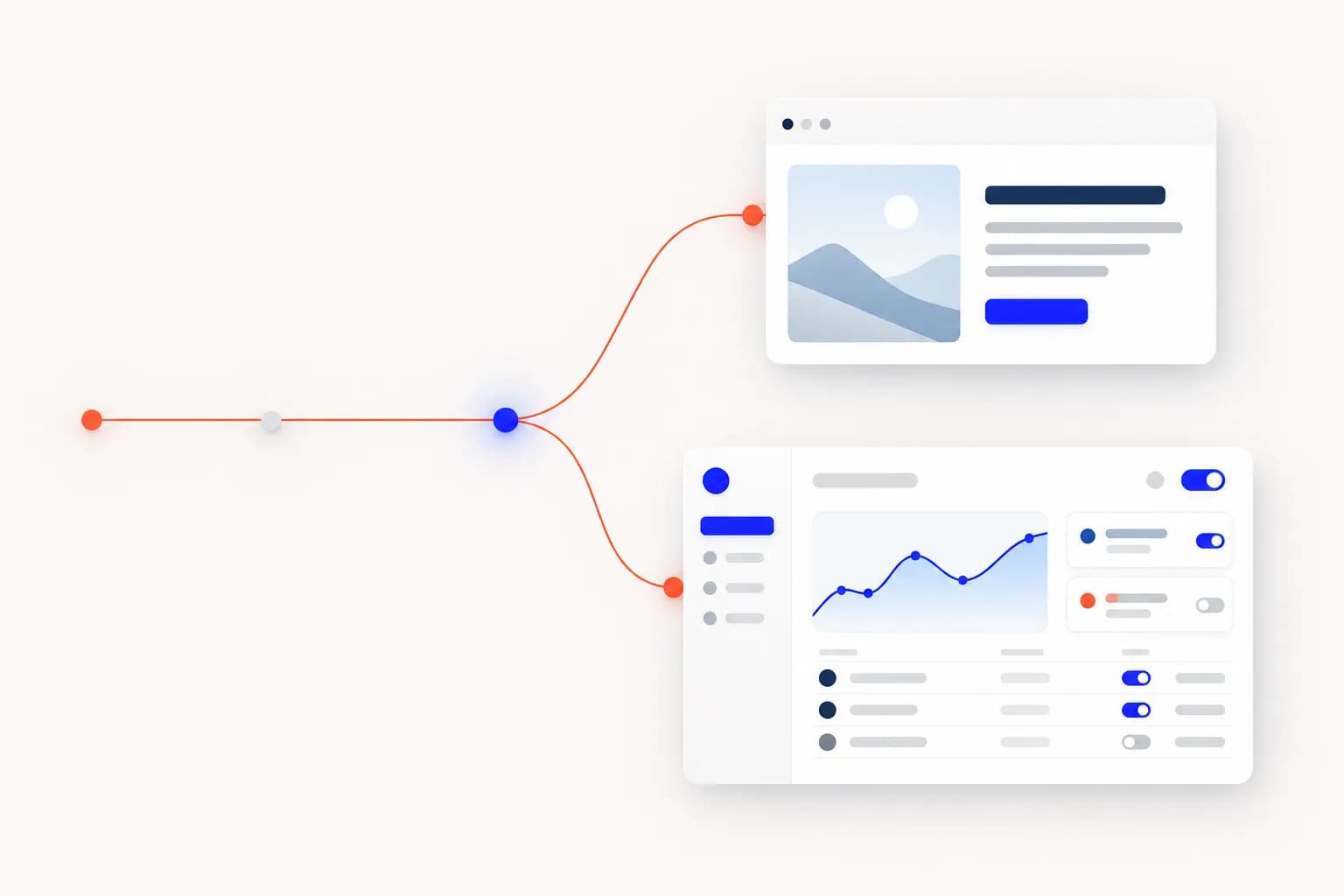
A website mostly tells. A web application mostly does. A website explains who you are, what you offer and how to reach you; most visitors read, compare and leave with an enquiry. A web application lets people sign in, enter data, change things and come back to find them changed.
01
Website
- Visitors read, compare and enquire
- Content changes weekly or monthly
- Most pages look the same for everyone
- Success means enquiries, calls and trust
- Usually a smaller, well-bounded scope
02
Web application
- Users sign in and get work done
- Data changes every minute
- Every user sees their own view
- Success means tasks completed and time saved
- Larger scope that keeps growing after launch
§ 02Five questions that settle it
Answer these honestly. Each “yes” pushes the project toward an application.
Interactive · Website or web app?
01Will people need to sign in to their own account?
02Will users create or edit things — orders, bookings, records — and expect to find them later?
03Do different people need different permissions, such as staff, admins and customers?
04Does it need to talk to other systems, like payments, inventory or a CRM?
05Will people use it every week as part of their work, rather than visit once?
Answer the questions to see where your project lands.
§ 03The middle ground is real
Plenty of good projects sit in between: a marketing website with one interactive part, such as a booking form, a quote calculator or a members-only page. You do not need a full application to get one useful feature. Build the website properly, then add the interactive piece as its own small, well-defined module.
§ 04Why the label changes the plan
- Scope: an application needs accounts, permissions, data models and edge cases a website never meets.
- Design: websites are designed page by page; applications are designed flow by flow.
- Testing: an application has to keep working when real people enter real, messy data.
- Upkeep: a website can sit quietly for months; an application needs someone looking after it.
Name the thing correctly early and fewer surprises turn up in the quote.
§ 05What it costs to pick the wrong one
Choose a website when you needed an application and the cracks show quickly: staff copy data between spreadsheets, customers email for things they expected to do themselves, and every new requirement becomes a workaround bolted onto a content site.
Choose an application when a website would do and the cost is quieter: you pay for accounts, permissions and infrastructure nobody uses, launch later than you needed to, and maintain more than the business requires.
Signs you have outgrown a website
- The team re-types the same information into several places.
- Customers keep asking for things they could do themselves — check a status, change a booking, download a document.
- Plugins are being stacked onto a content system to make it behave like software.
- A spreadsheet somewhere has quietly become the real system.
§ 06How to start either one well
For a website, start with content: what each visitor needs to understand, and what you want them to do next. Design and technology follow from that, not the other way round.
For an application, start with one workflow from beginning to end — a single order, a single booking, a single approval — and make that excellent before adding the next. A narrow first release that people actually use beats a broad one they merely tolerate.
Neither is better than the other. If you are still unsure, that is normal — it is usually the first thing worth working through in a discovery conversation.